
Jules
Hi! Im Jules, i'm 15 years old and i'm from Belgium. I love coding and playing this block game.
Owner & Lead Developer
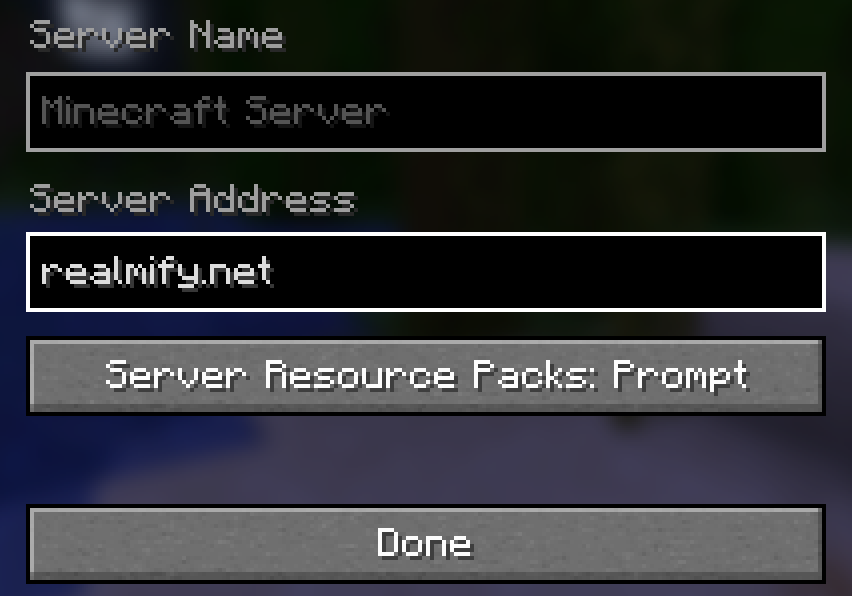
Realmify is a community project that lets you run a server without paying for hosting. Make a realm and control it from a simple in-game dashboard.
100% free with 0 costs

Realmify is a small project that allows you to host your own server for free in Minecraft. With a user-friendly interface to manage your server. No paid hosting barrier, no extra costs.
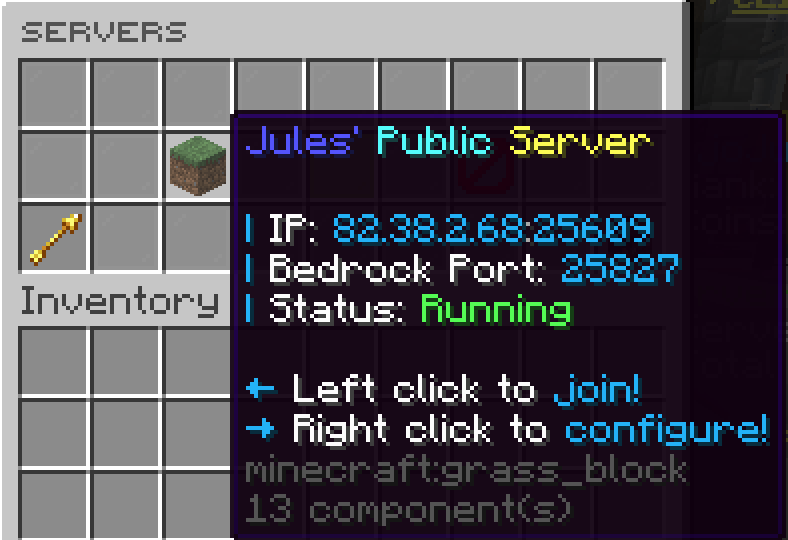
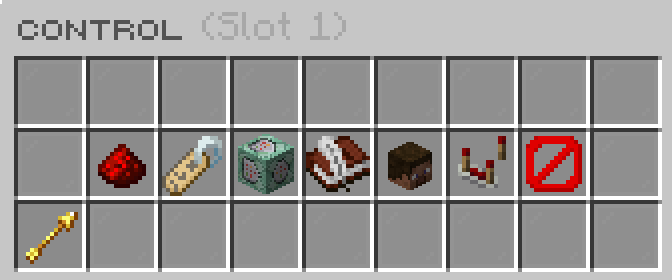
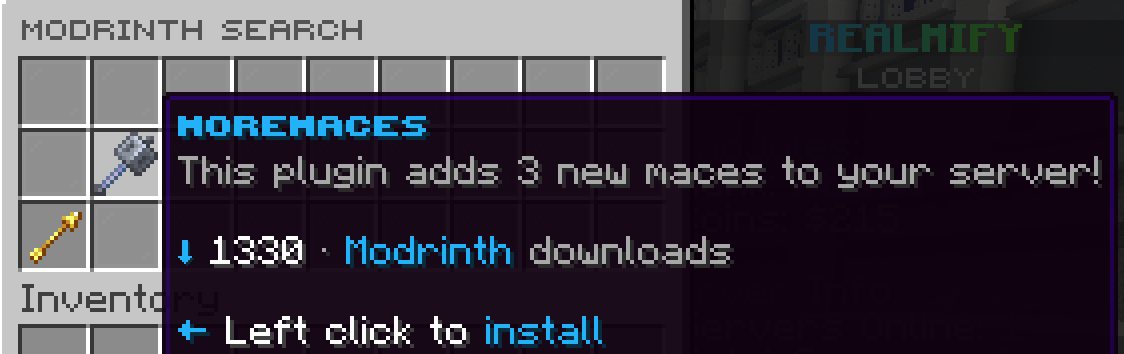
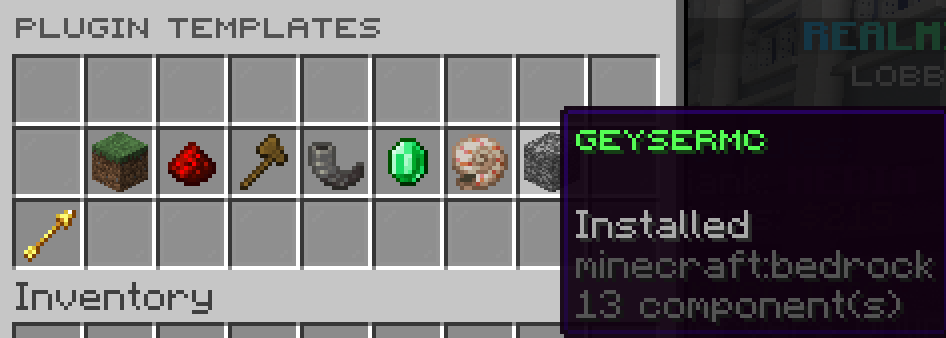
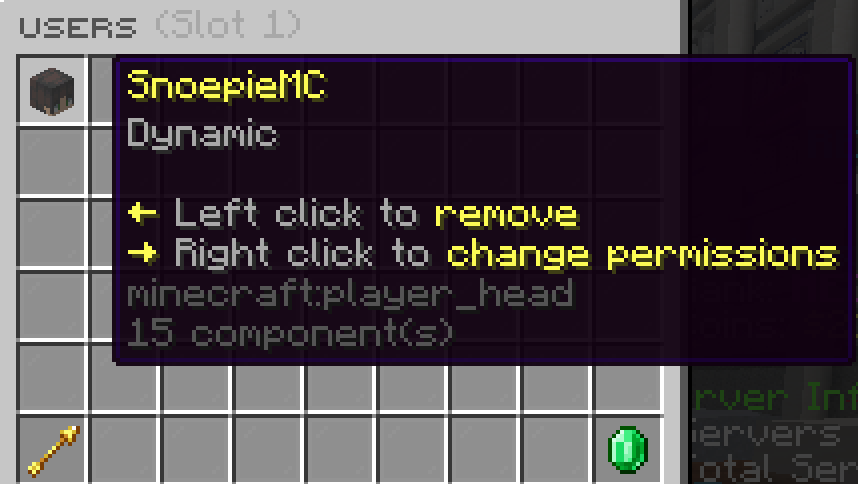
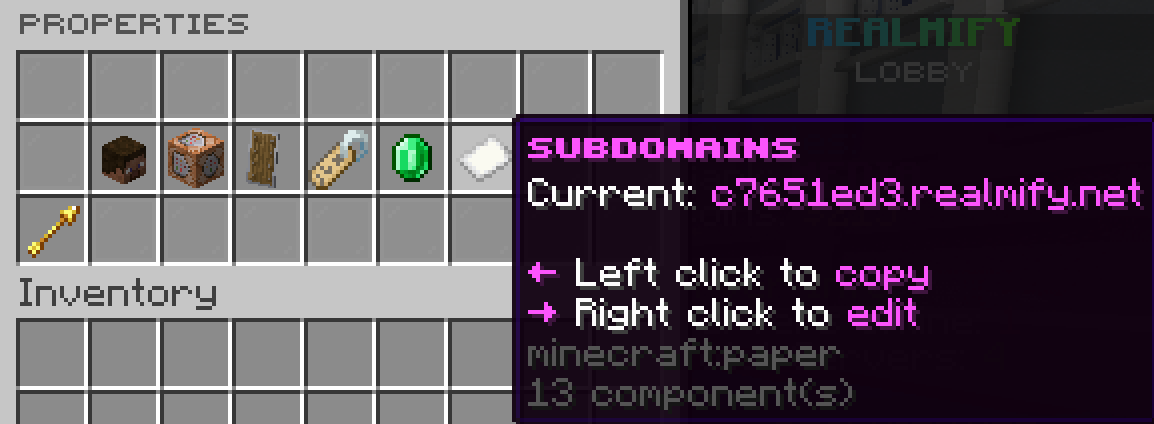
Start making free realms on realmify without any costs. 100% free with 0 costs.
Our guis are designed to be easy to use and understand.
Need any help? Our community is here to help you. You can either Mail us
or join our discord server.
Realmify is built by a small team of young developers. Here is a list of who we are.
Hi! Im Jules, i'm 15 years old and i'm from Belgium. I love coding and playing this block game.
Owner & Lead Developer

Heya! I'm SnoepieMC, I am 16 years old. Live in the Netherlands and i develop plugins for CactusStudios
Admin & Developer
 Catboy09
 ArrieBarry
 Void_Control
 Maximaal
 HappyMielll
 Apply for staff in the discord!
They moderate, help players and keep the network running smoothly.
Mods & Helpers
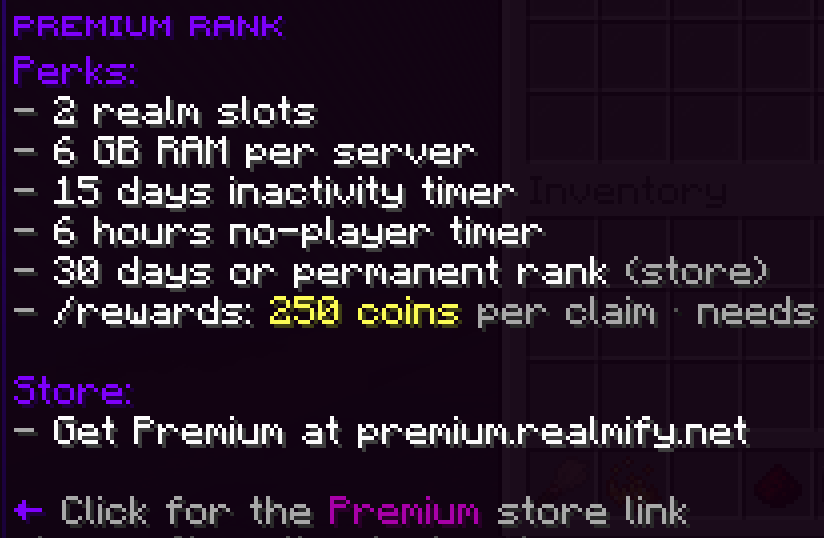
Premium rank
Support the project and get Premium
Includes
/rewards 200 coins per claim
Click a question to expand the answer.
Steps
your slots using the piston in your hotbar
or the Servers item from the menu.
Open Control for your server
(/realm config <slot>),
then open Plugins.
Choose one path
Plugin templates
Curated one-click installs.
Browse Modrinth
Search, pick a project, and install.
Installed plugins
This screen lists what is already on the server. Remove plugins here when the network allows it.
Common reasons
If you still cannot find it, ask staff whether it is blocked on purpose.
Two common setups
Whitelist
Add their Minecraft name so only listed players can join. Useful for private servers.
Slot users
Add people as users on your slot with permissions (for example who can change settings and who can only play).
Where to configure
In Control, open User permissions or Whitelist. Labels can differ per network.
/realm servers
Your slots: create a server, open Control, and join.
/realm serverlist
Every server you may use: servers you own, servers where you are whitelisted, and public servers where you were added as a user.
Definition
A subuser is someone who is not the server owner but was granted rights on another player’s server (for example to help manage plugins or only to join).
Where it shows up
Those servers may appear under Subuser servers.